A look inside
These are real SmrtMonitorPro screens from a live deployment. We changed machine names, users and addresses to a fictional company before taking them. Select any screen to see it full size.
See everything
-
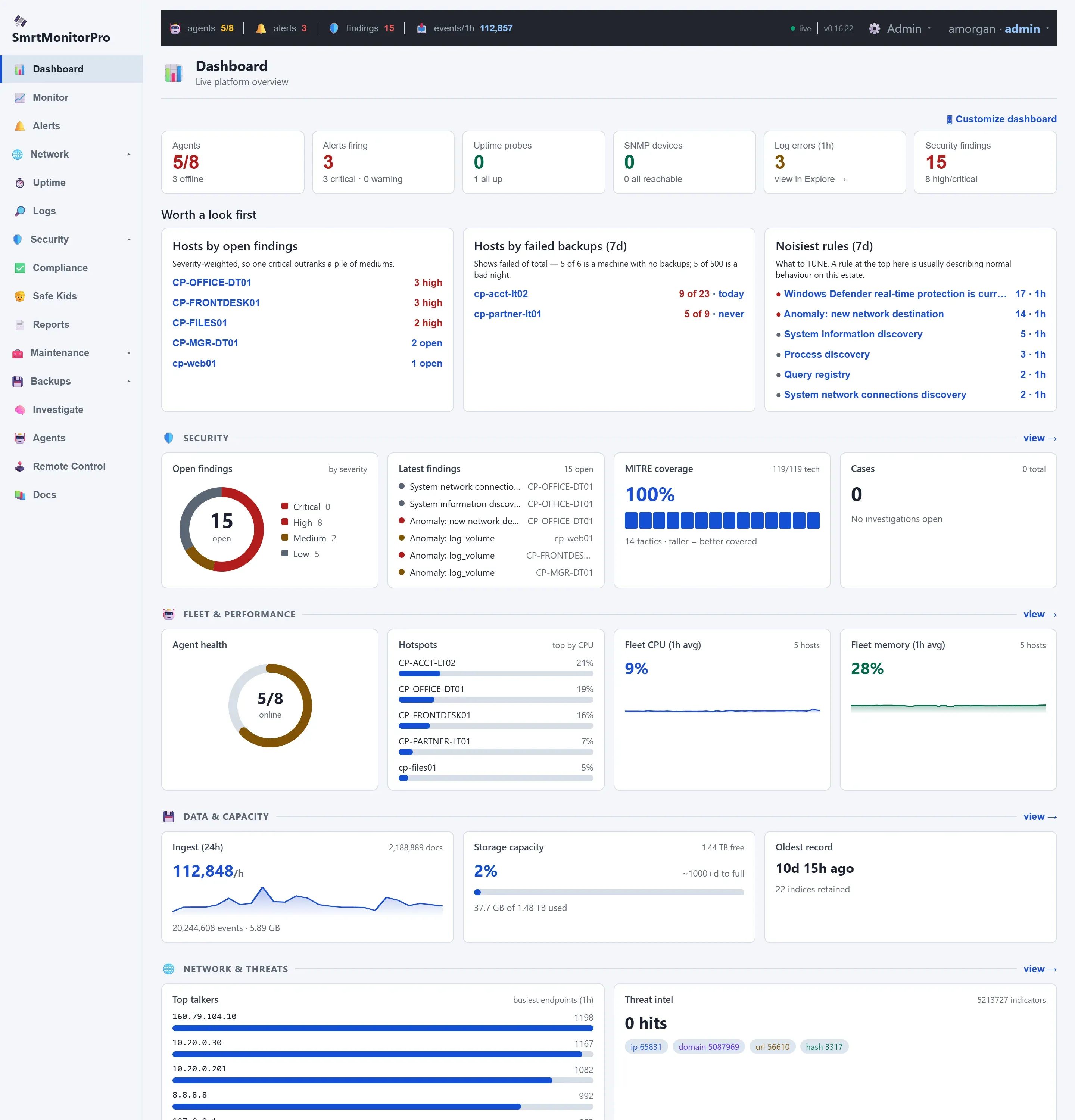
Dashboard
Agents, alerts, findings, failed backups, MITRE coverage and fleet health on one screen.
-
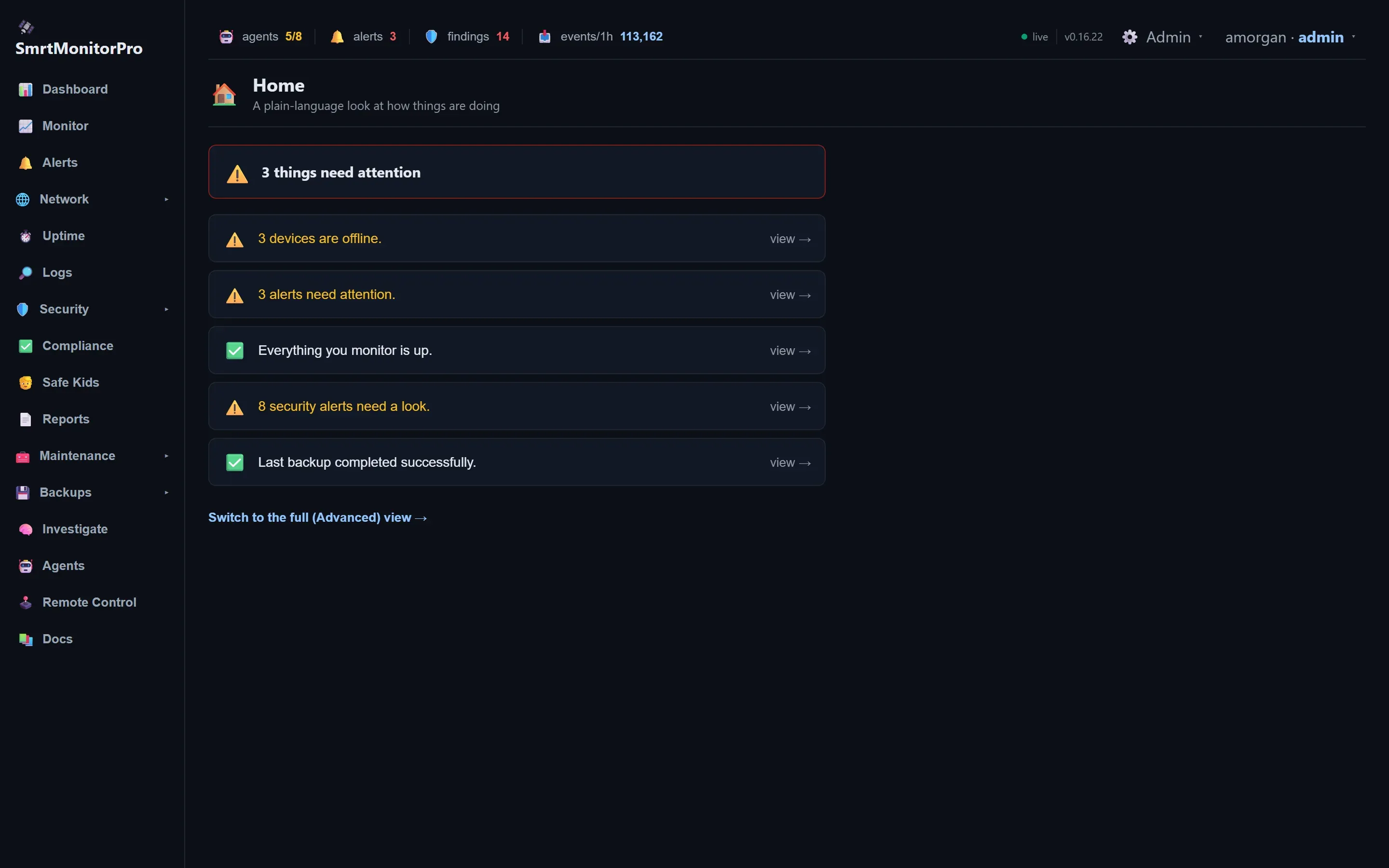
Home view
A plain-language summary for people who aren’t IT staff.
-
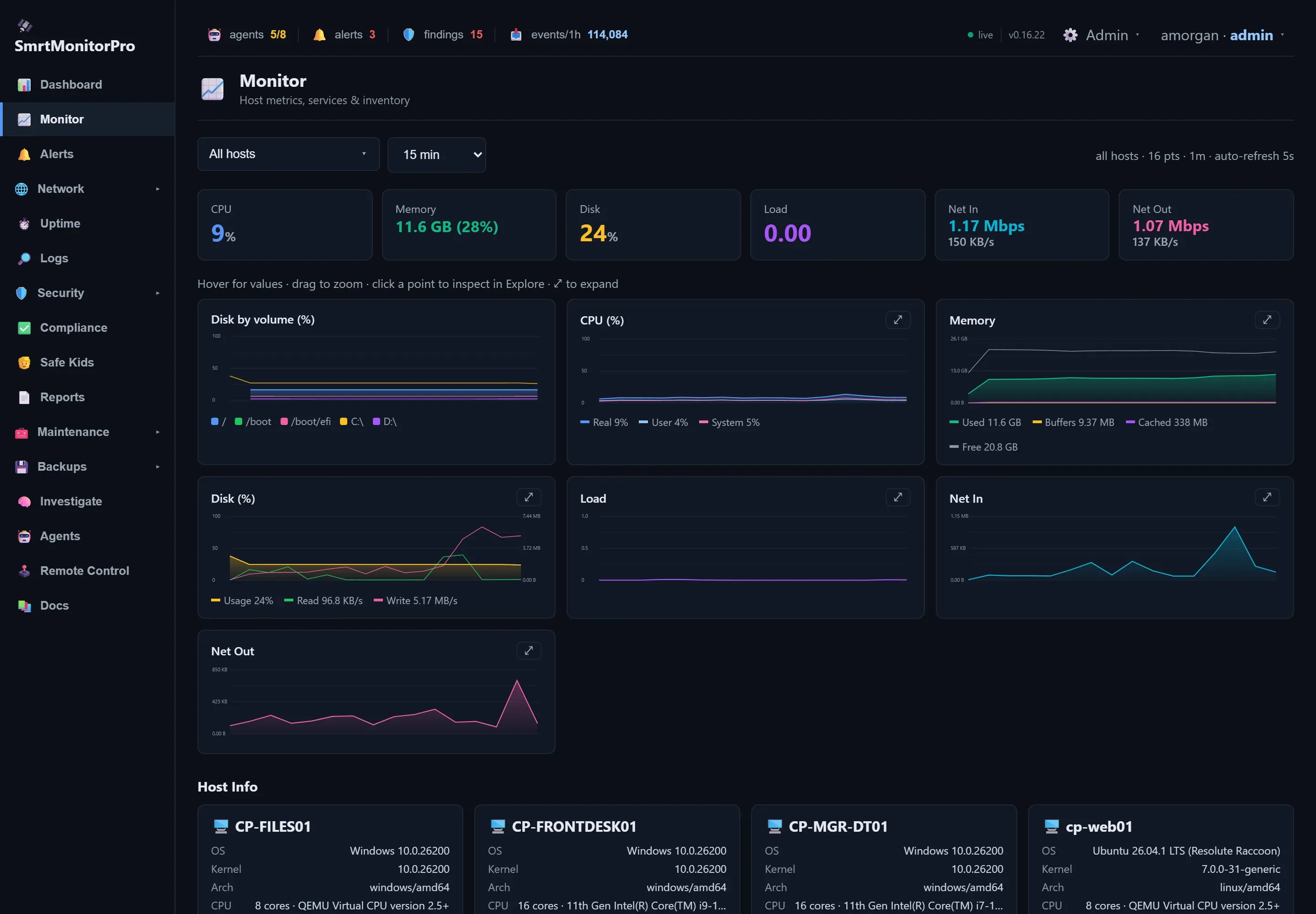
Monitor
Metrics, services and hardware for every machine.
-
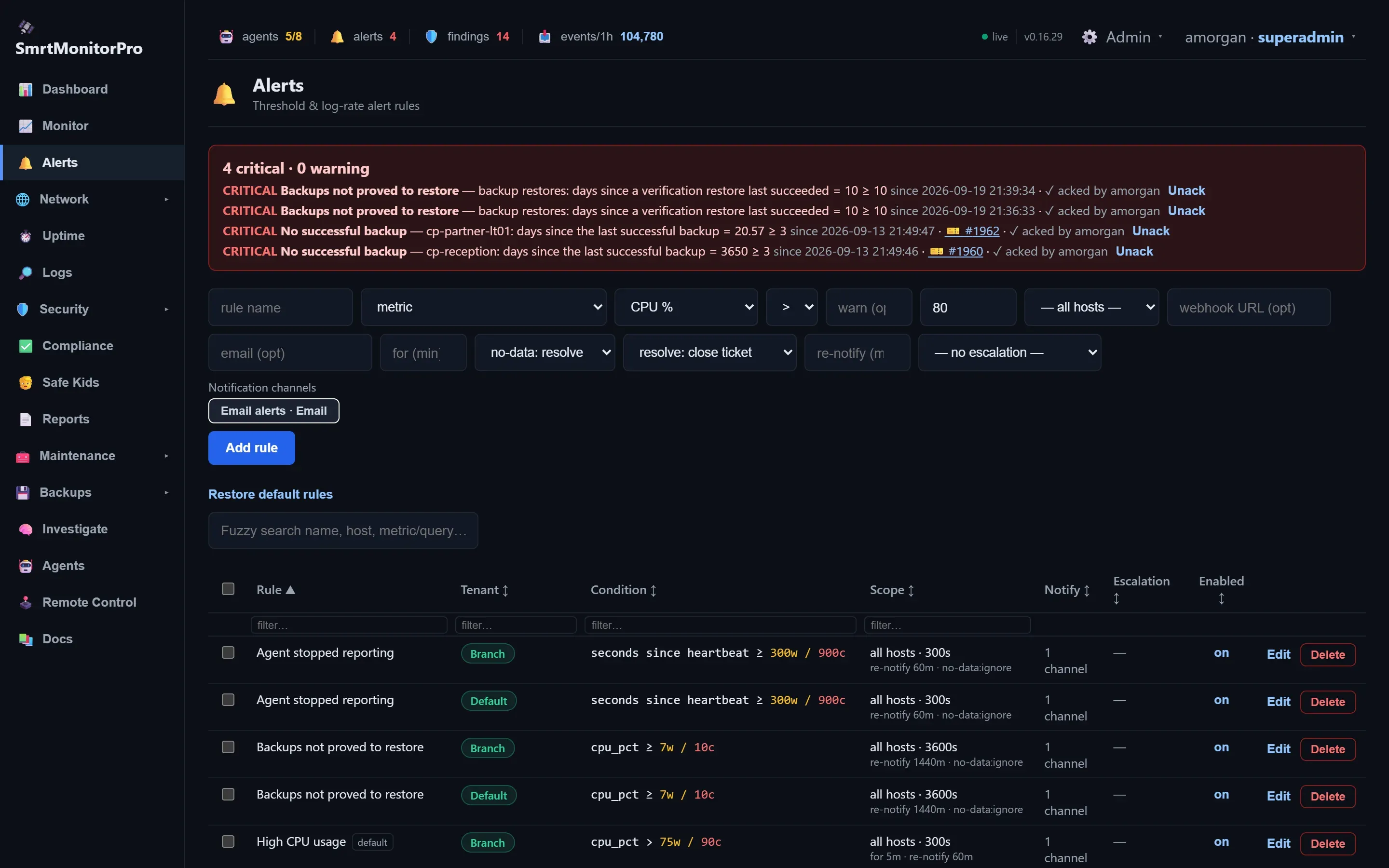
Alerts
What is firing now, and what was measured to decide it.
-
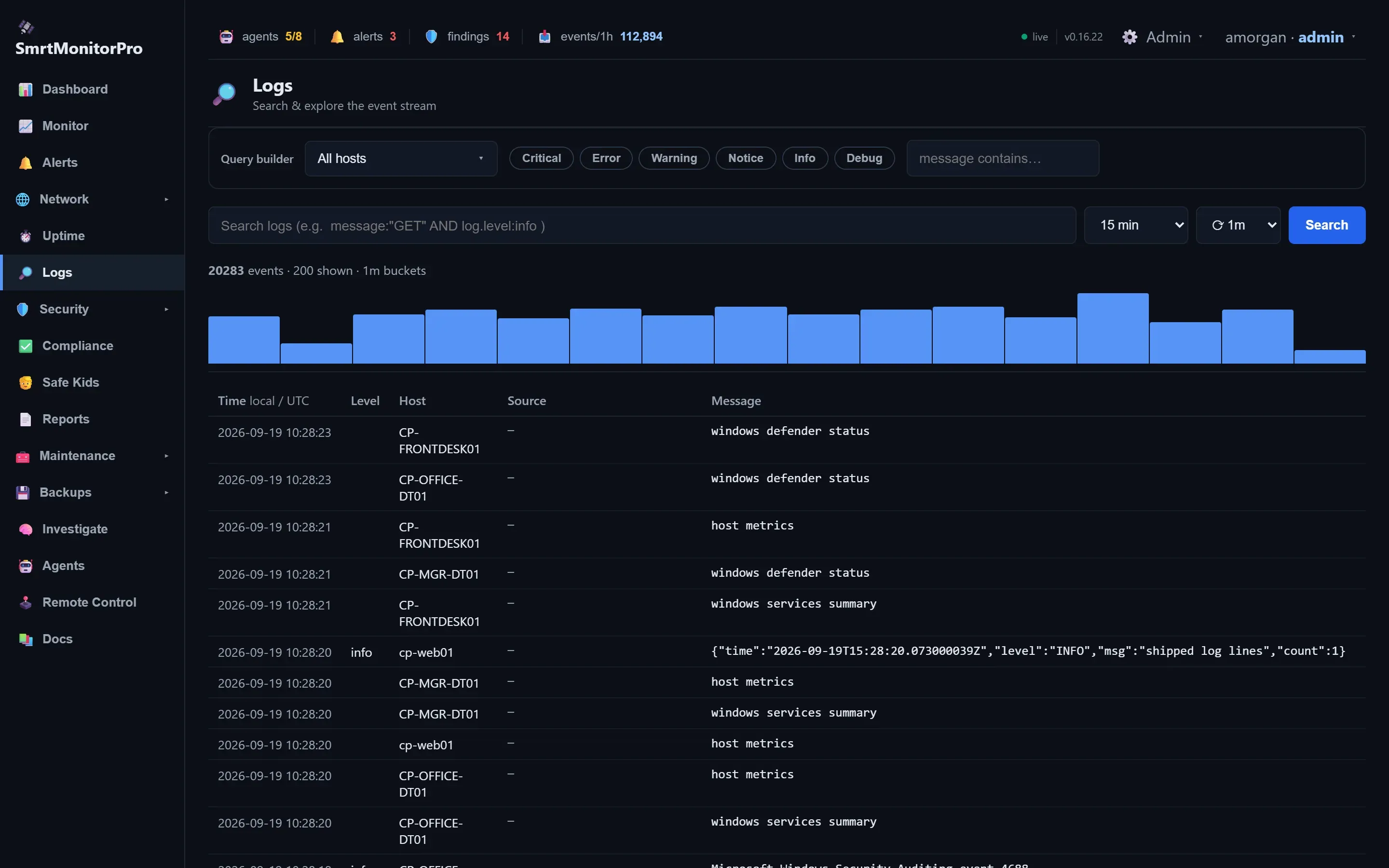
Logs
Search the event stream from every machine at once.
-
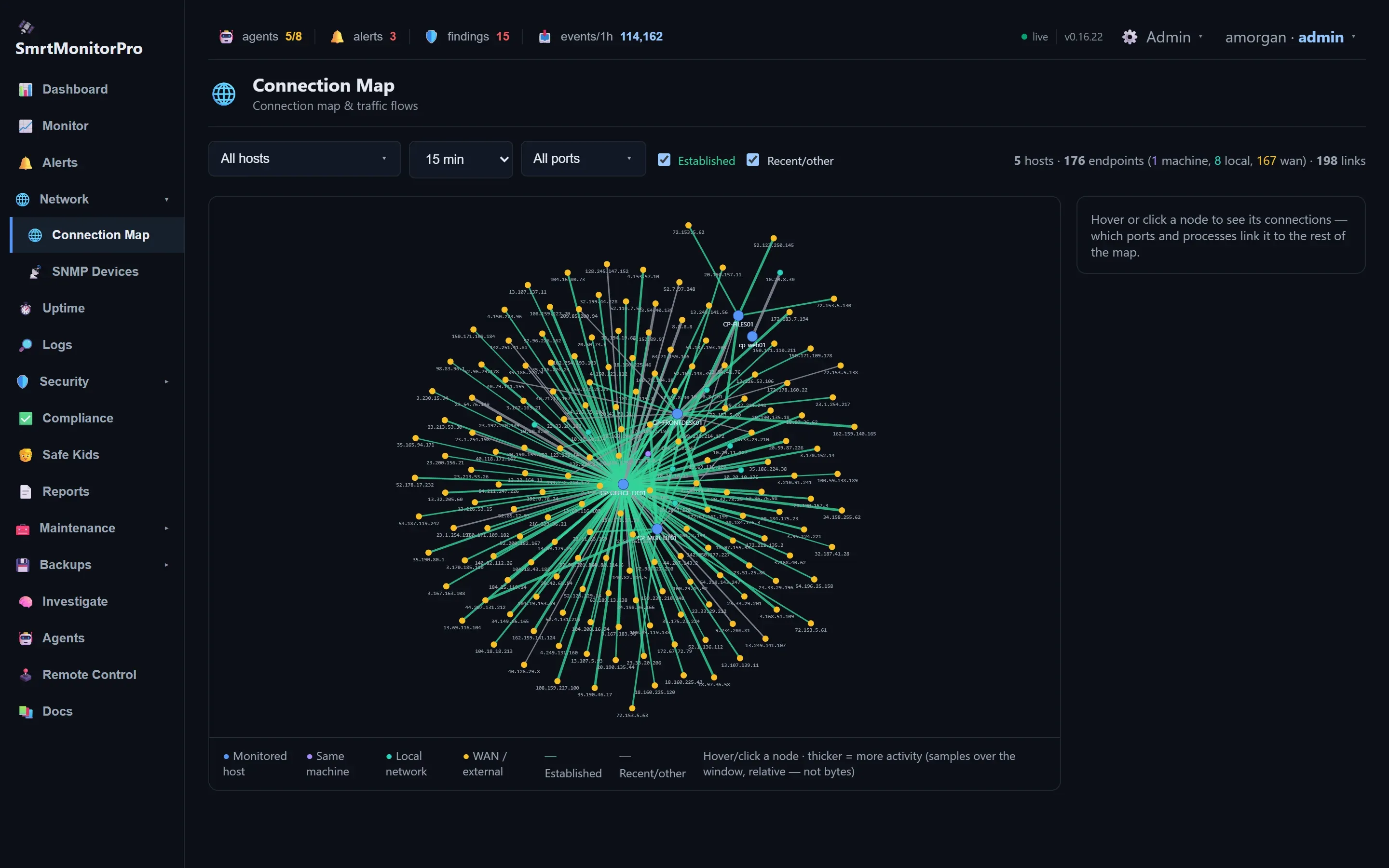
Connection map
Which machines talk to what, and how much.
Find threats
-
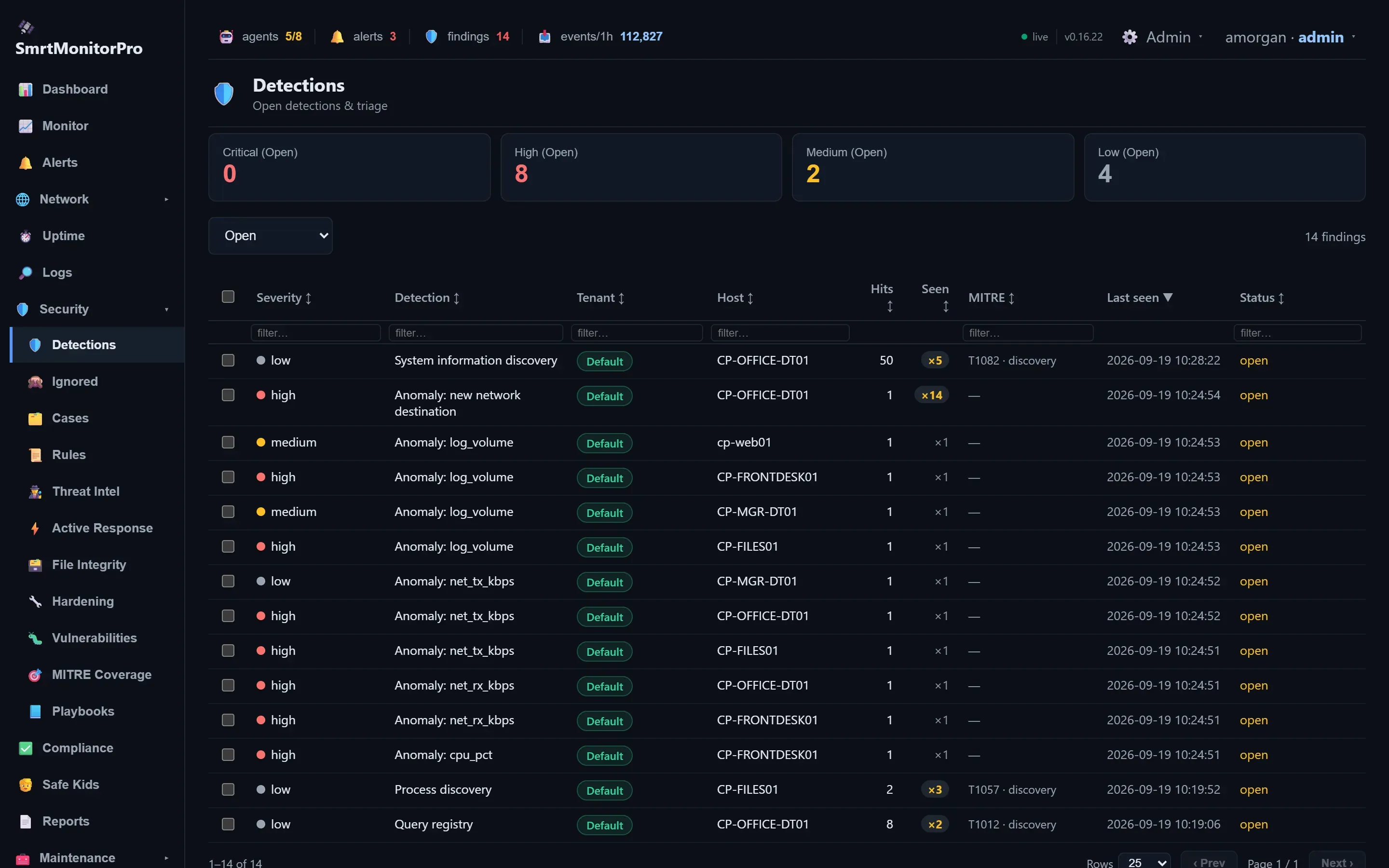
Detections
Open findings with severity, host and MITRE technique.
-
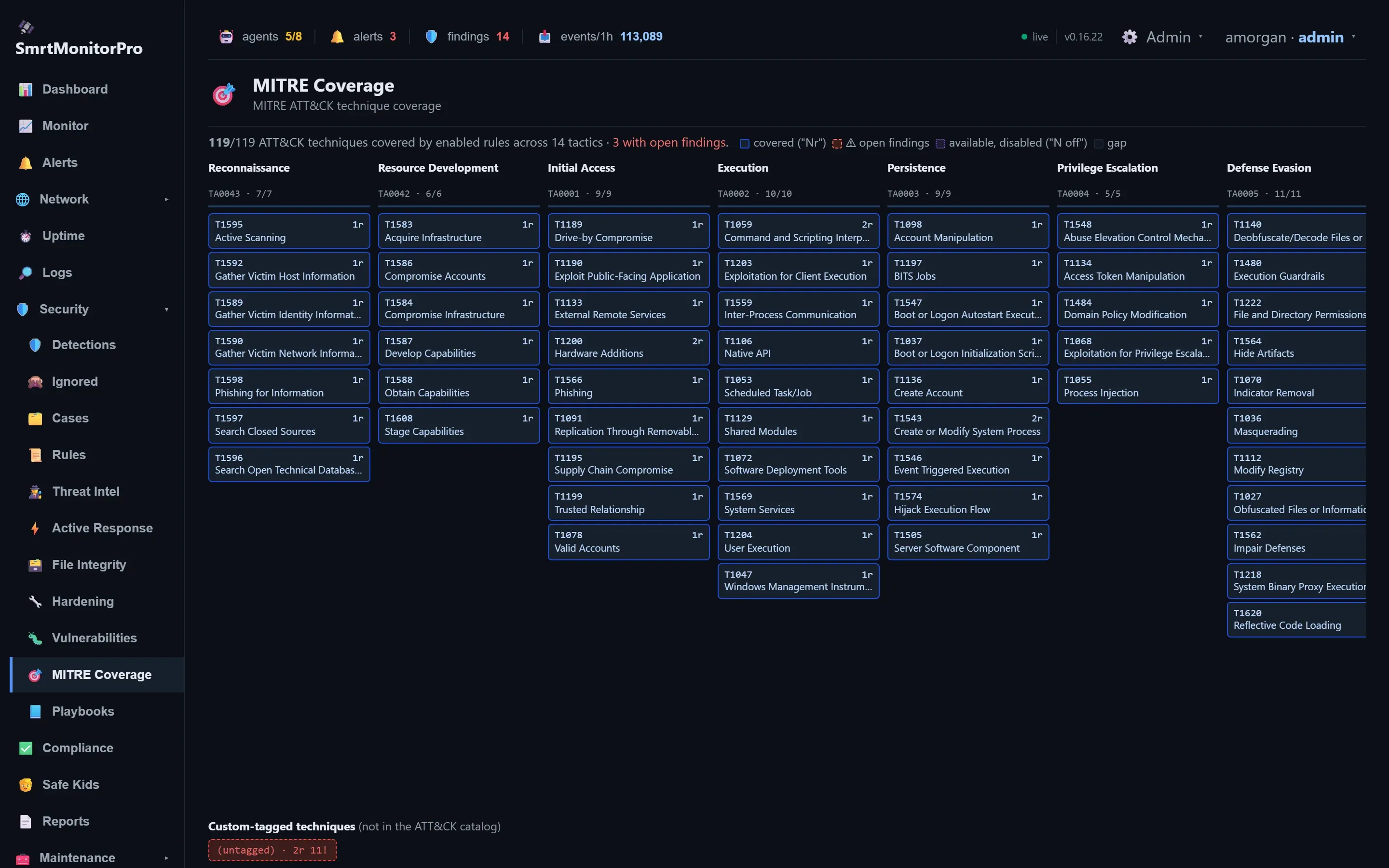
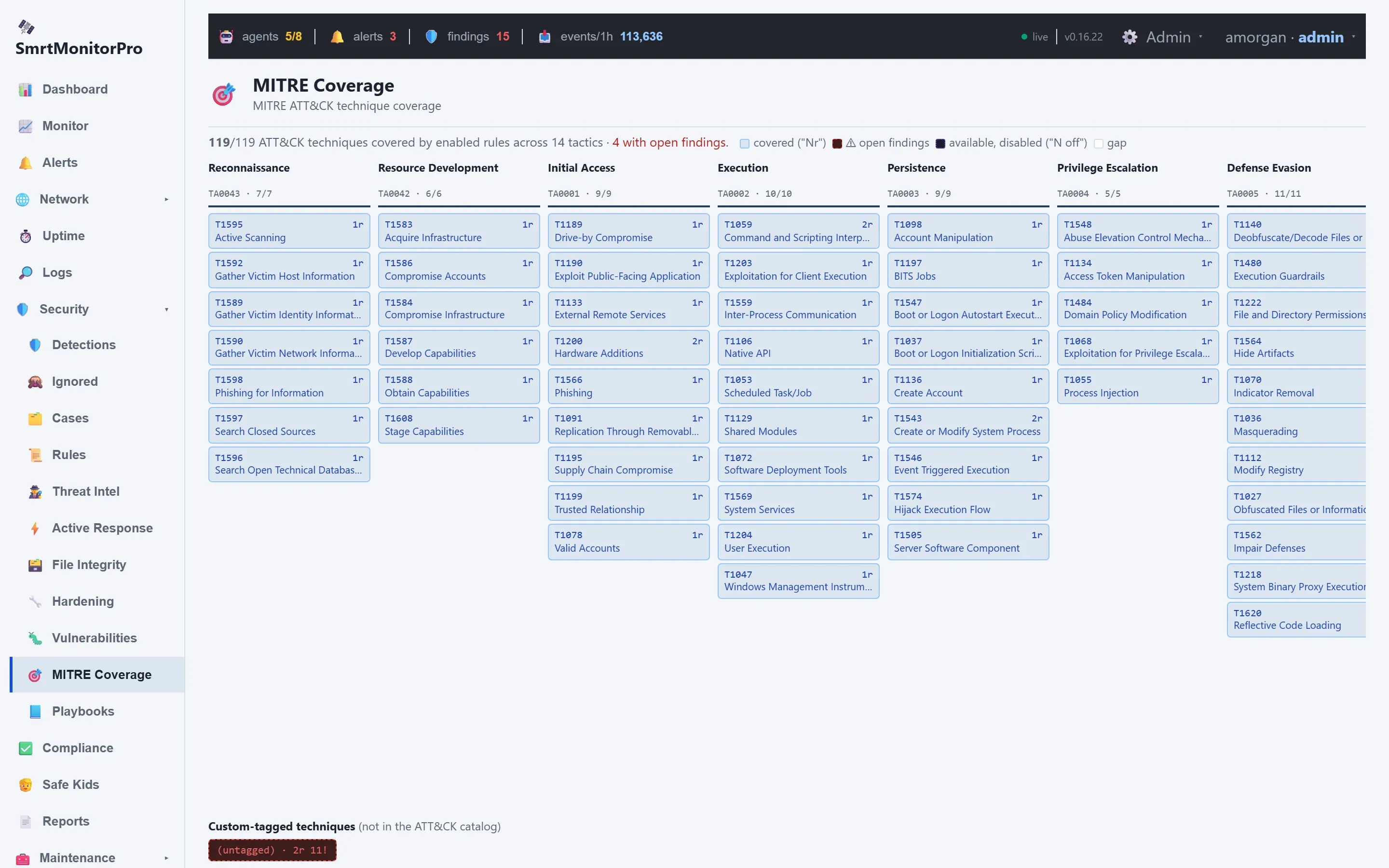
MITRE ATT&CK coverage
All 119 techniques covered by enabled rules.
-
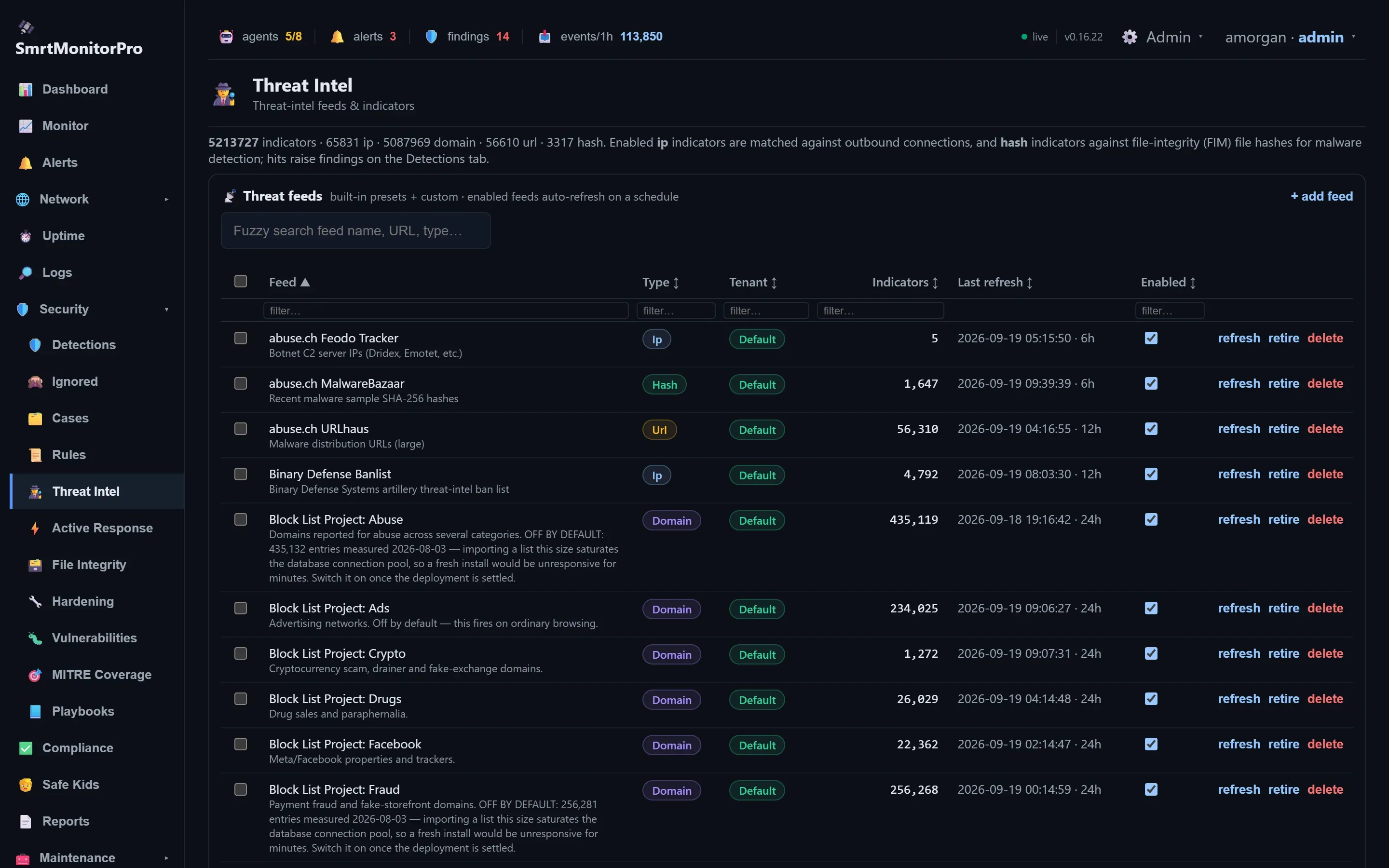
Threat intel
Feeds and indicators matched against connections and file hashes.
-
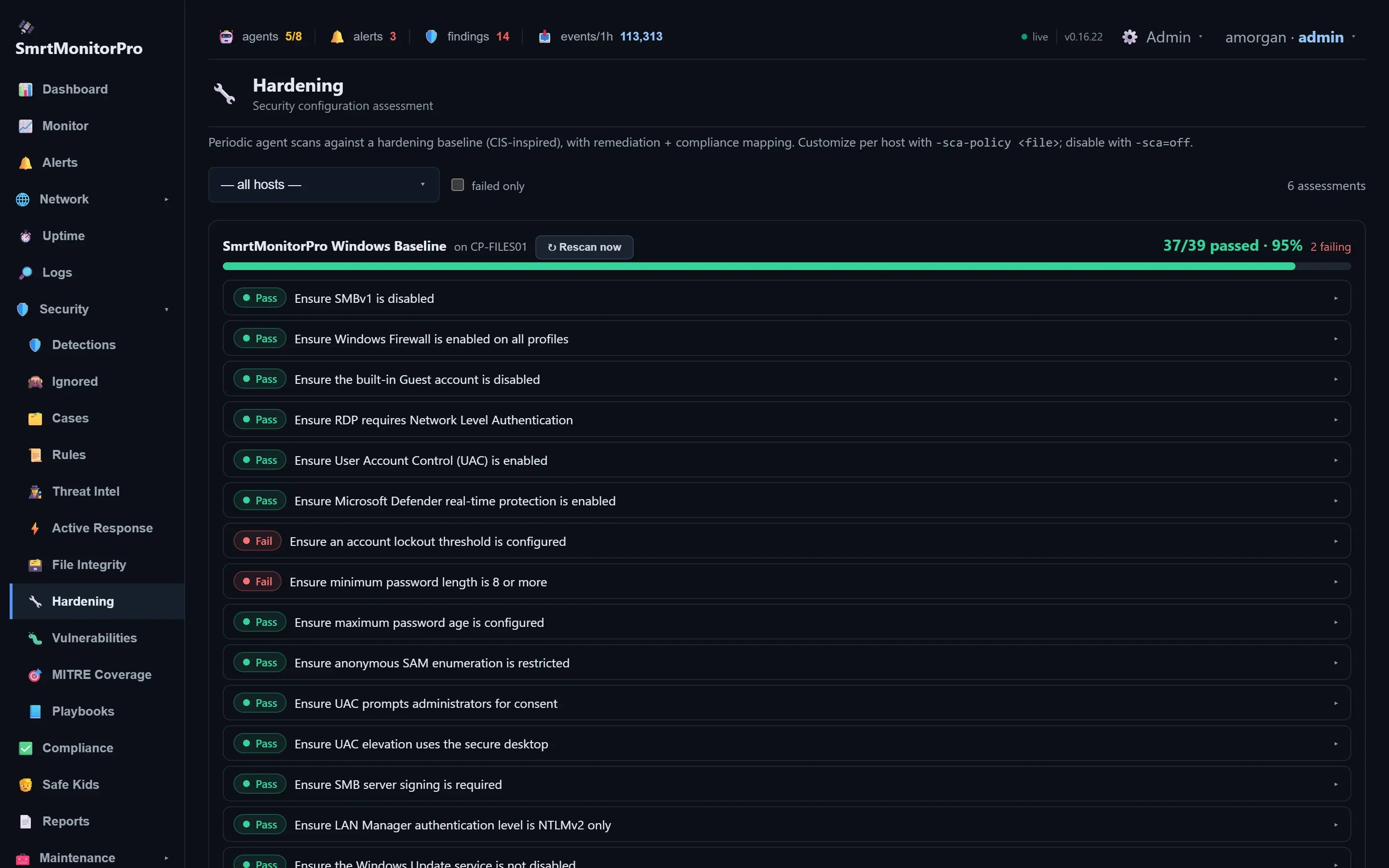
Hardening
CIS-inspired checks per machine, with what to fix.
-
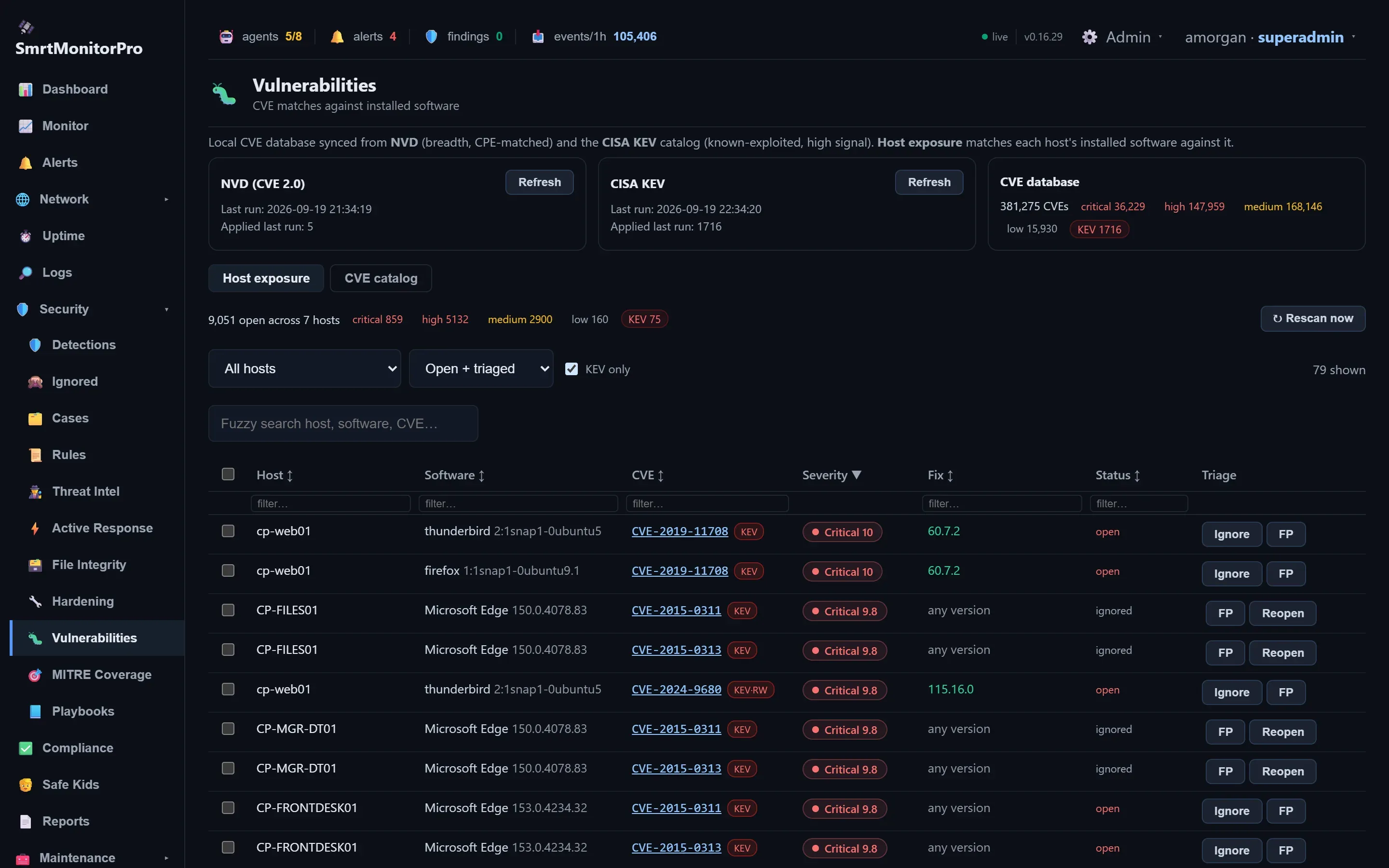
Vulnerabilities
CVEs matched against the software actually installed, with CISA KEV flagged.
Keep machines healthy
-
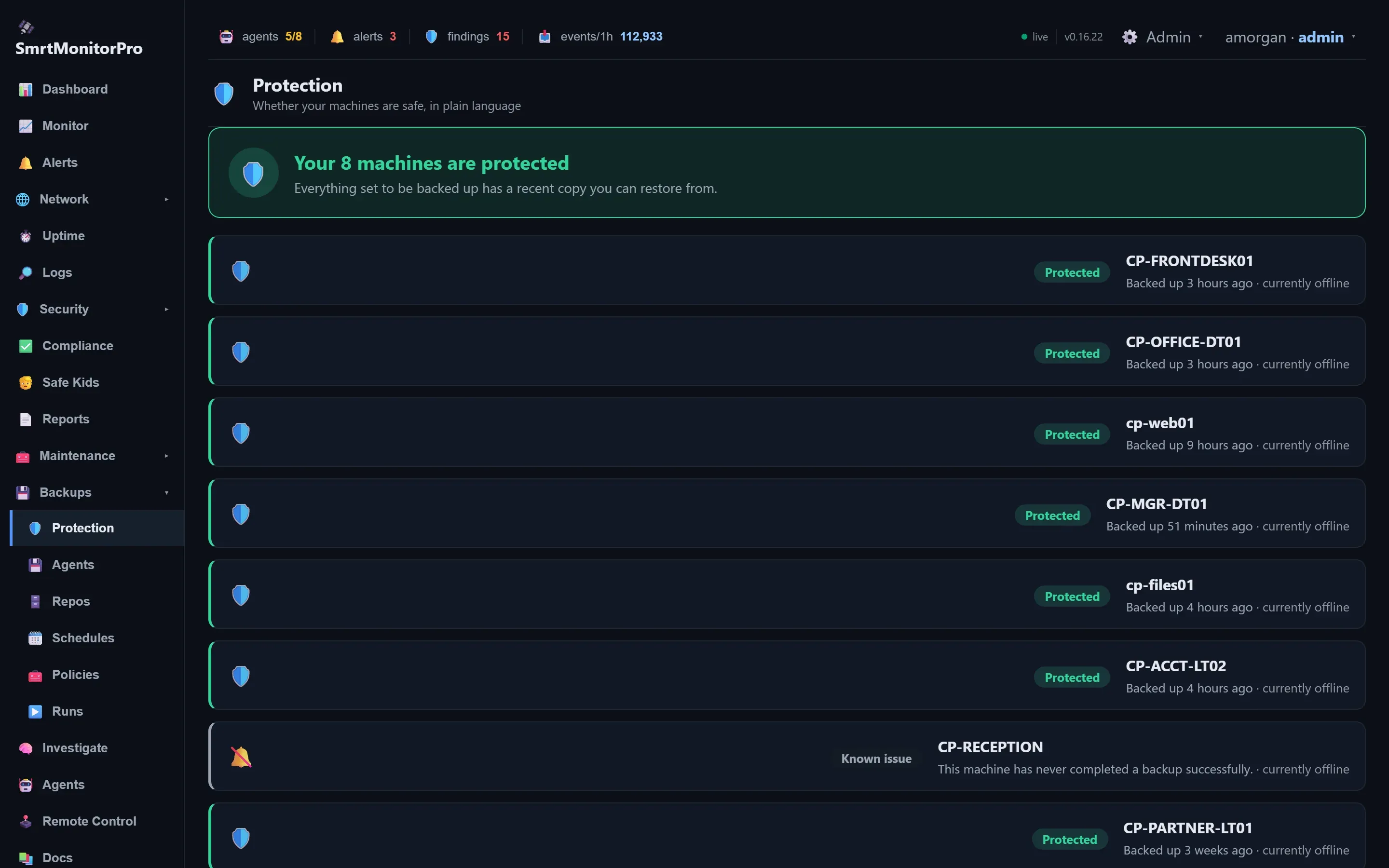
Backup protection
Whether every machine has a copy you can restore from.
-
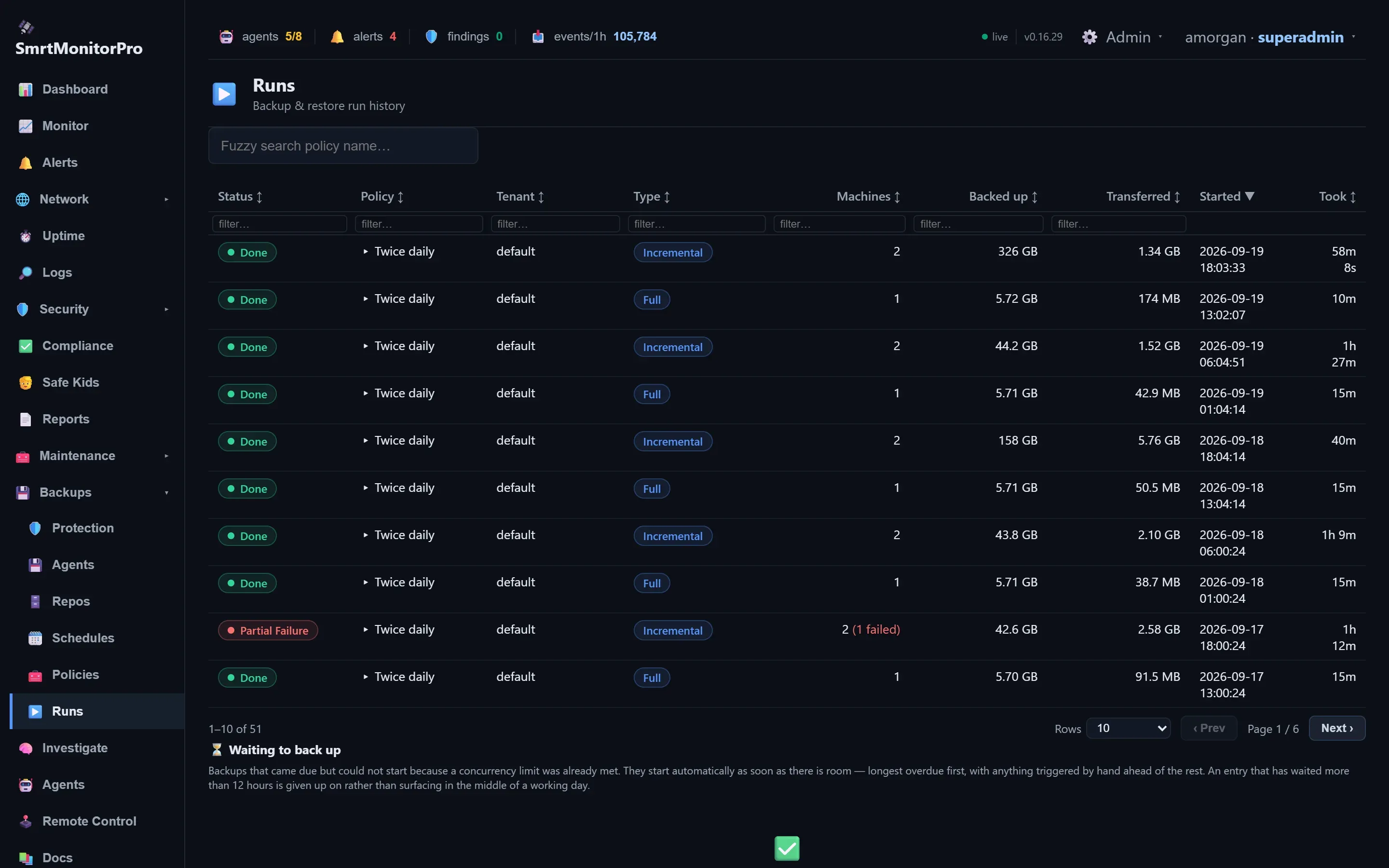
Backup runs
Every run, what it moved and how long it took. One machine failing makes the job partial, never green.
-
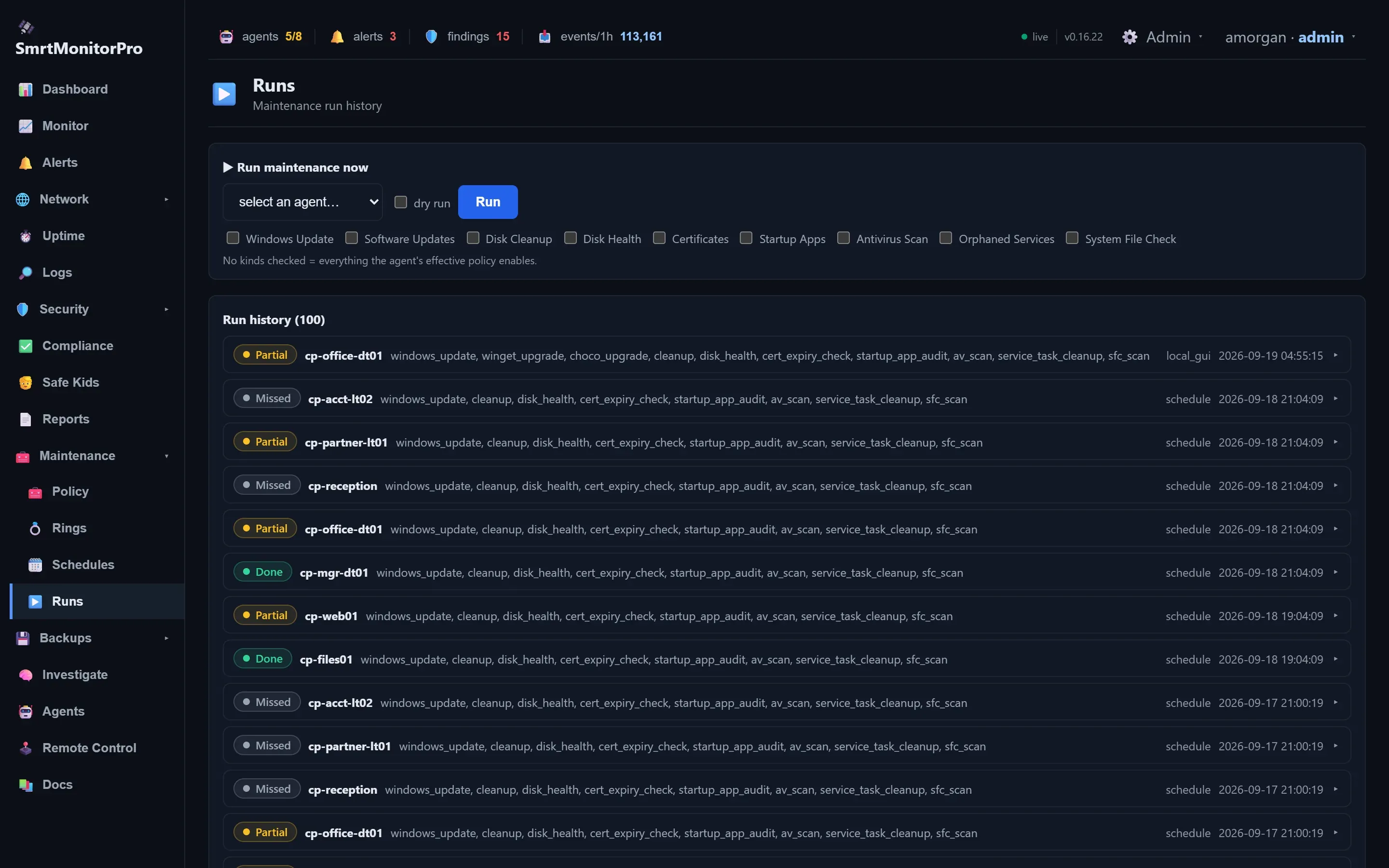
Maintenance runs
What ran where, including partial and missed runs.
-
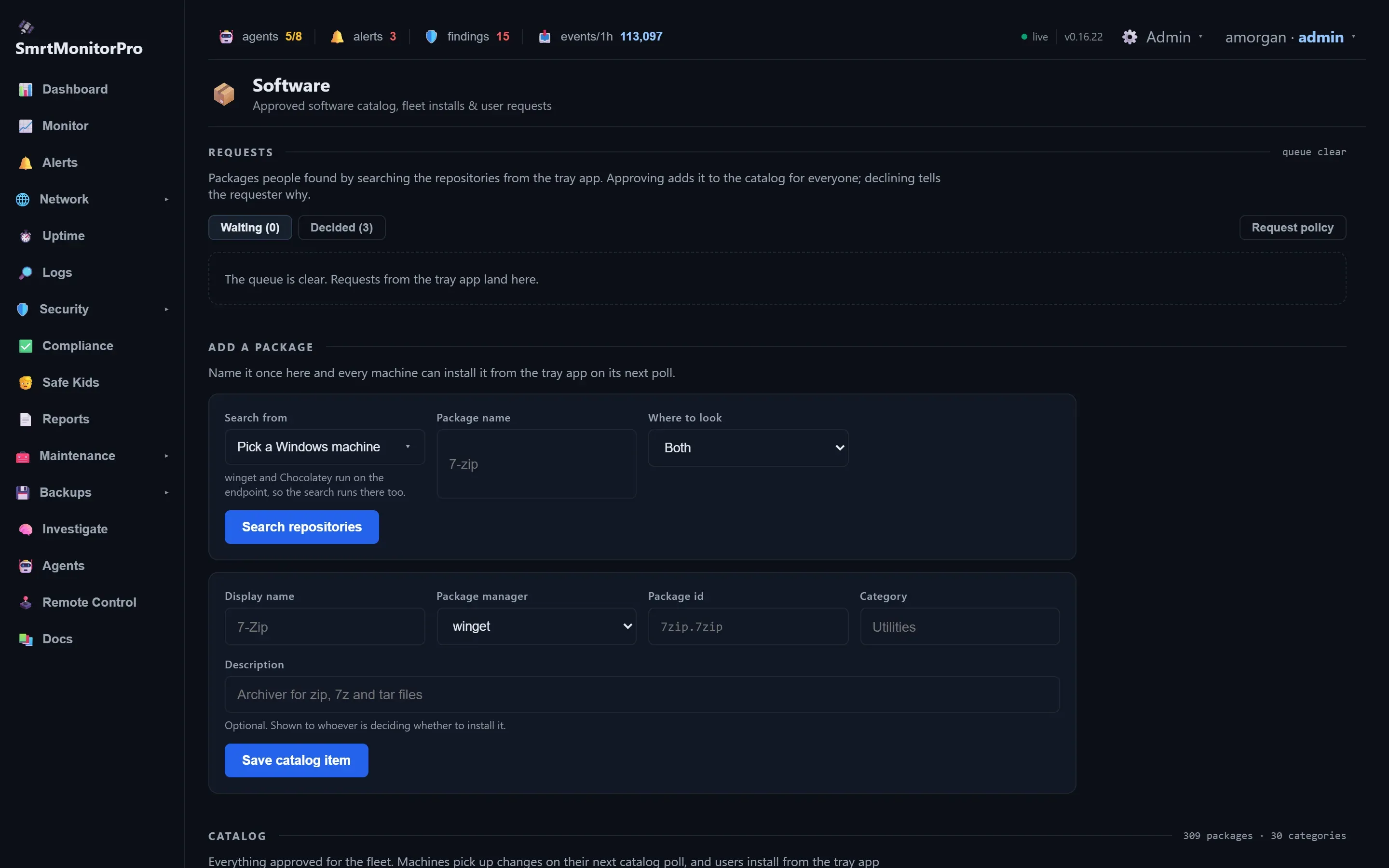
Software catalog
Approved apps people install from the tray app.
-
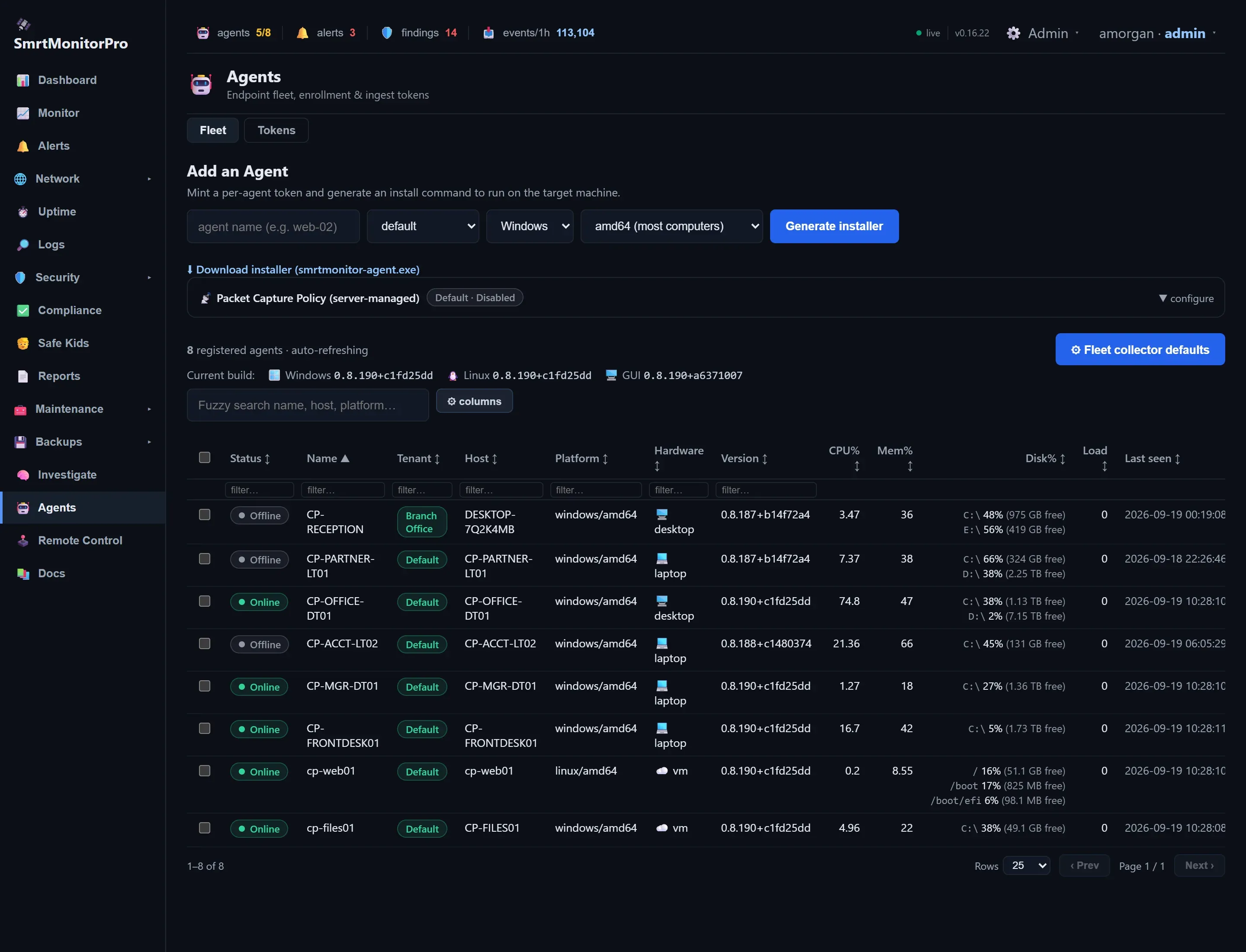
Agents
The fleet at a glance, and a one-line installer.
-
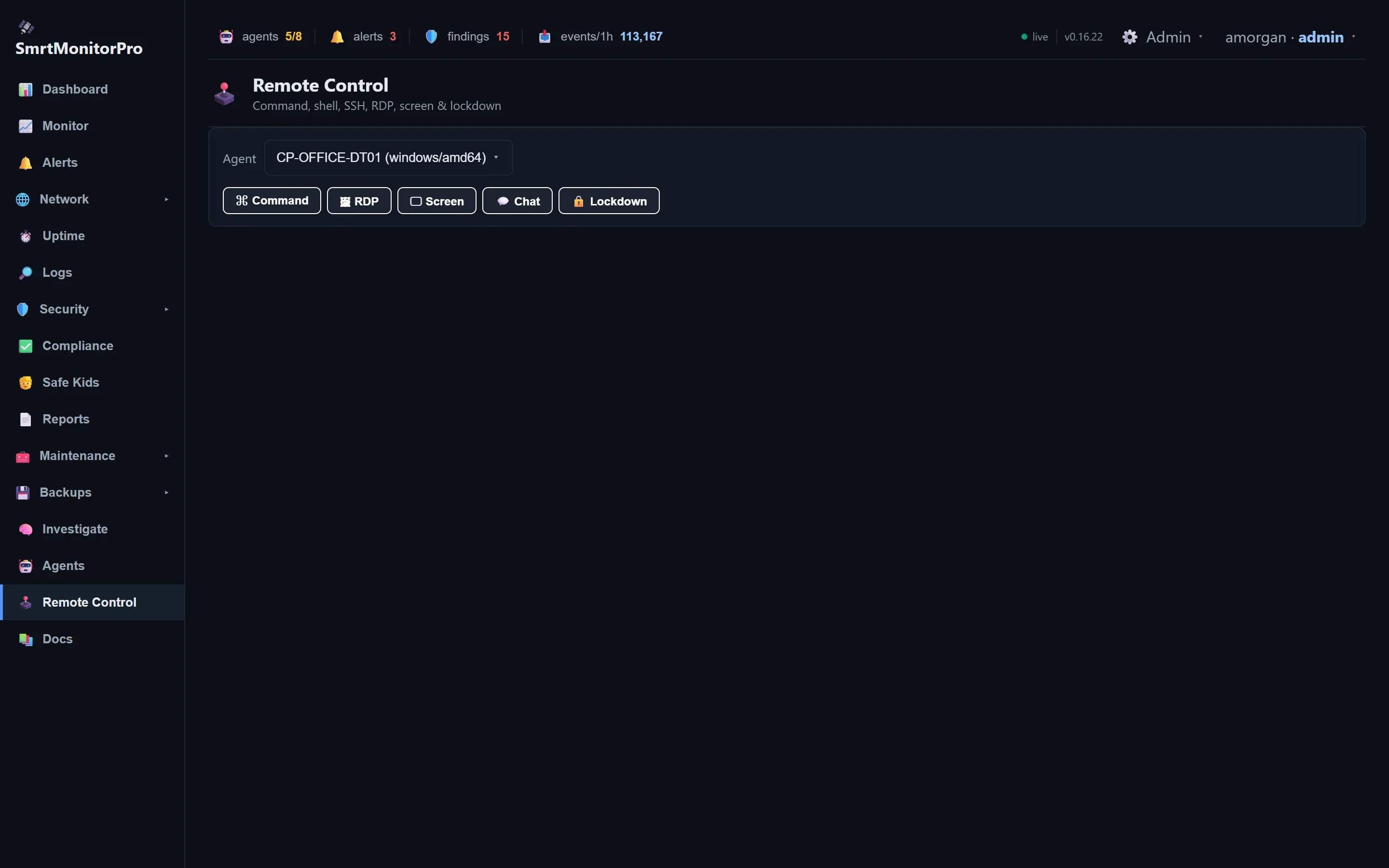
Remote control
Command, RDP, screen share, chat and lockdown for a machine.
Prove it
-
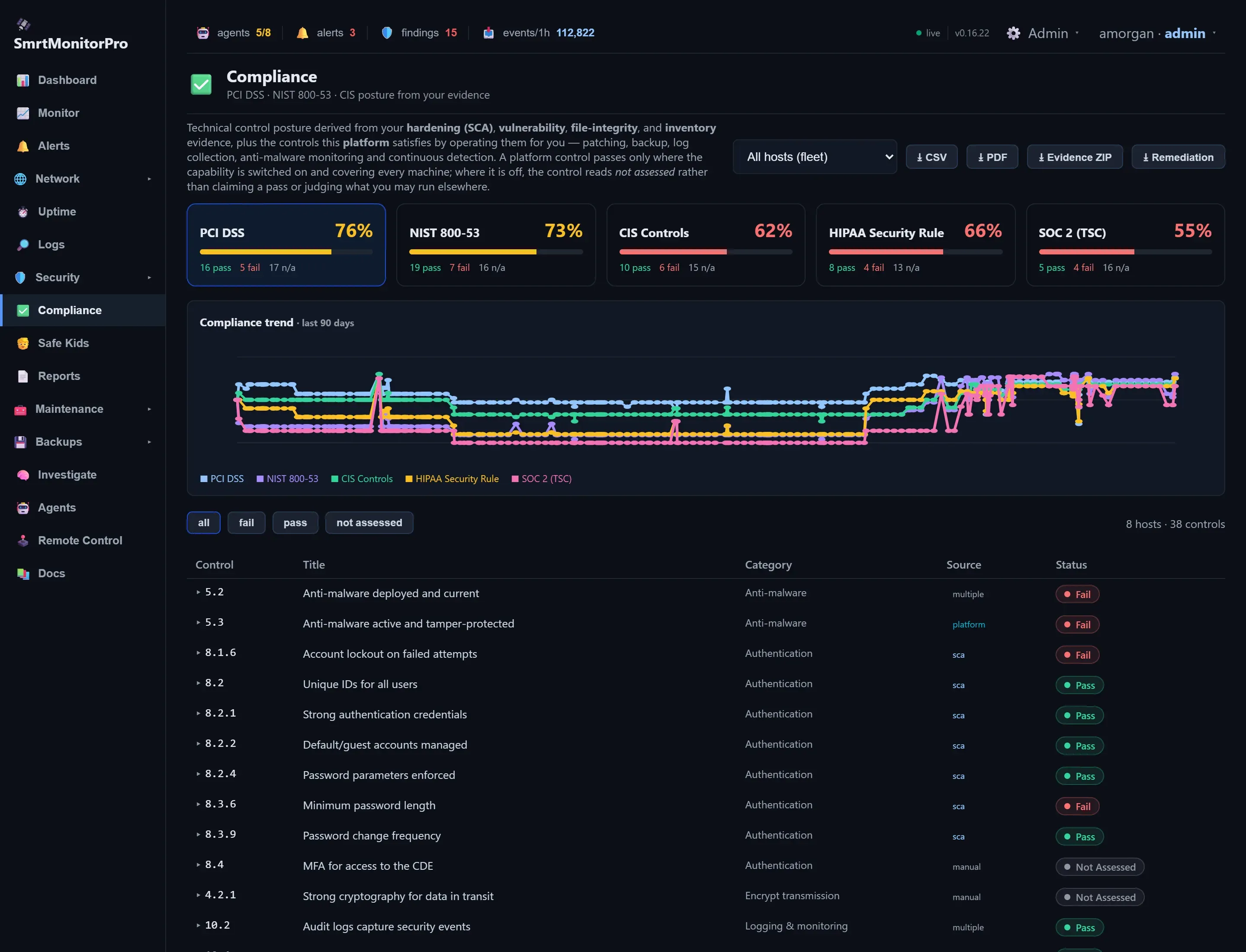
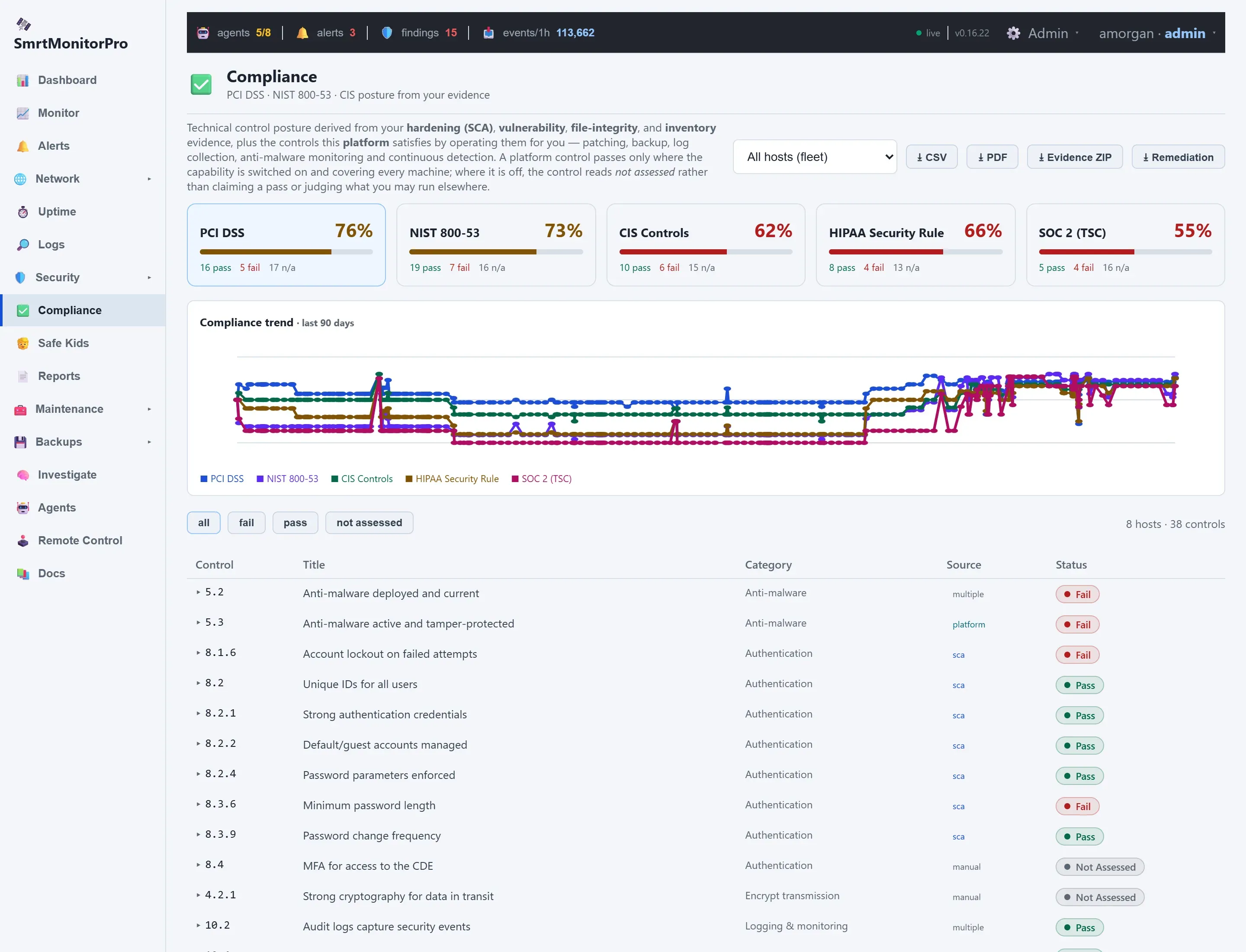
Compliance
PCI DSS, NIST 800-53, CIS, HIPAA and SOC 2 from real evidence.
-
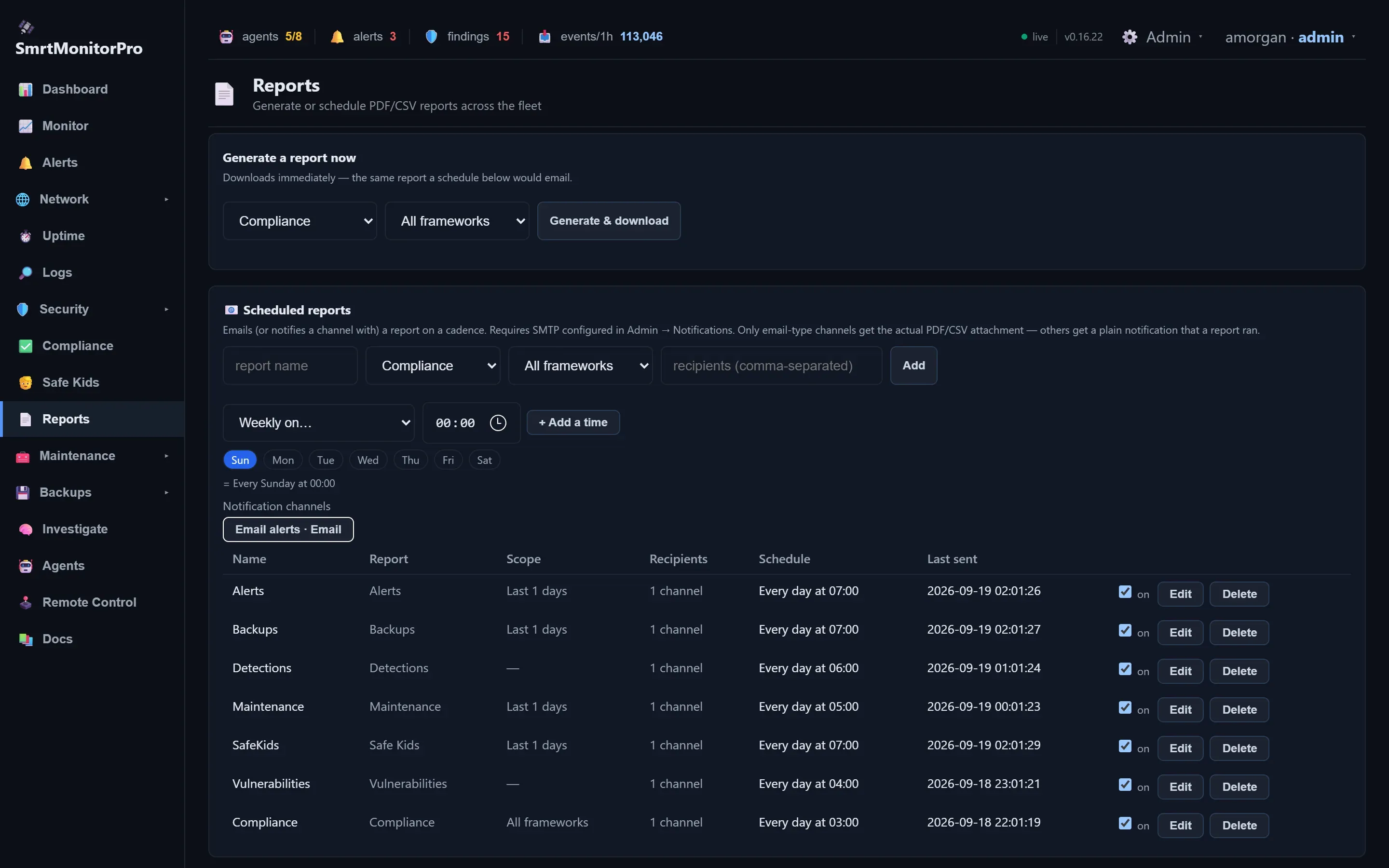
Reports
Reports on demand or emailed on a schedule.
-
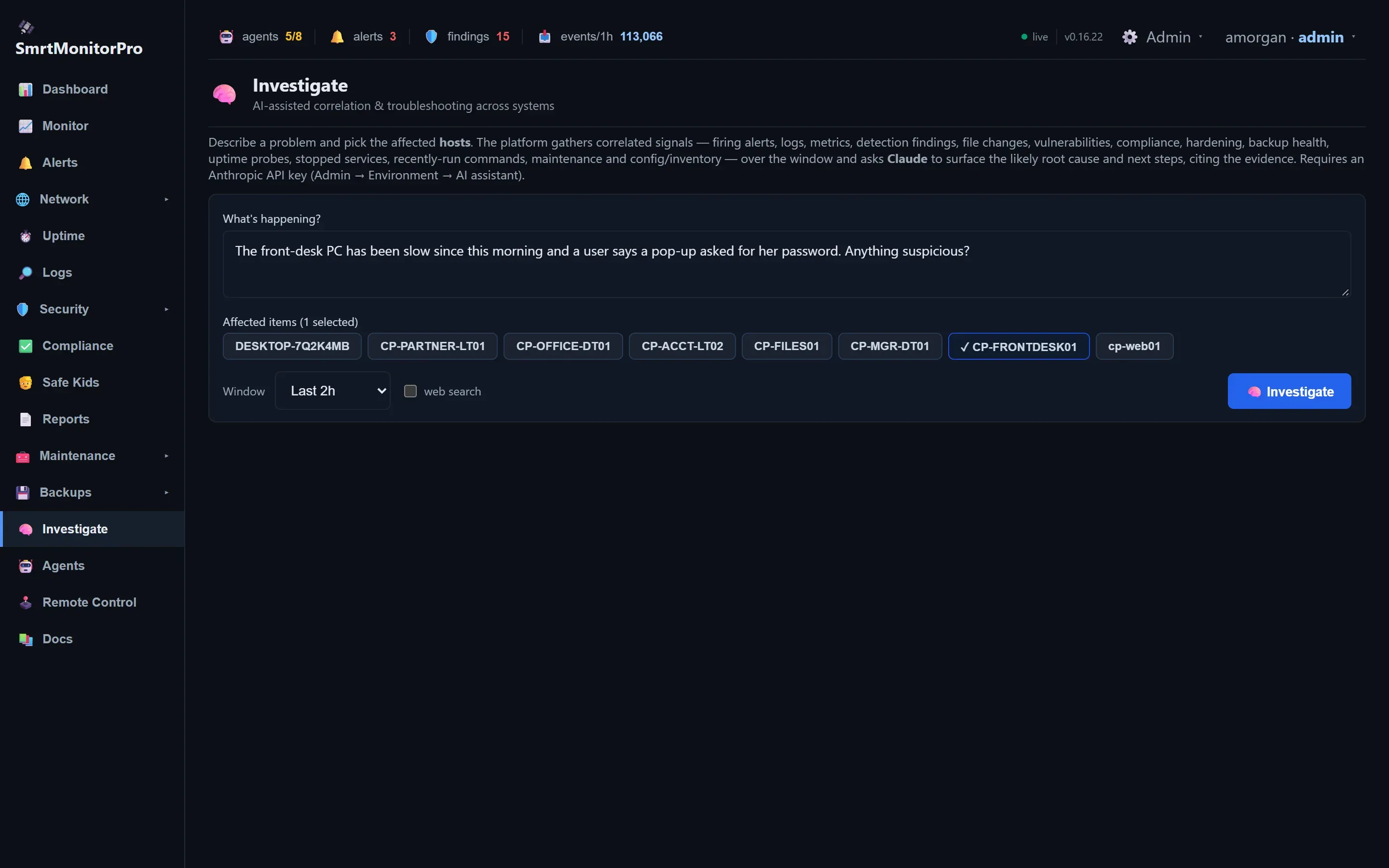
Investigate
Ask in plain English; get the likely cause with evidence.
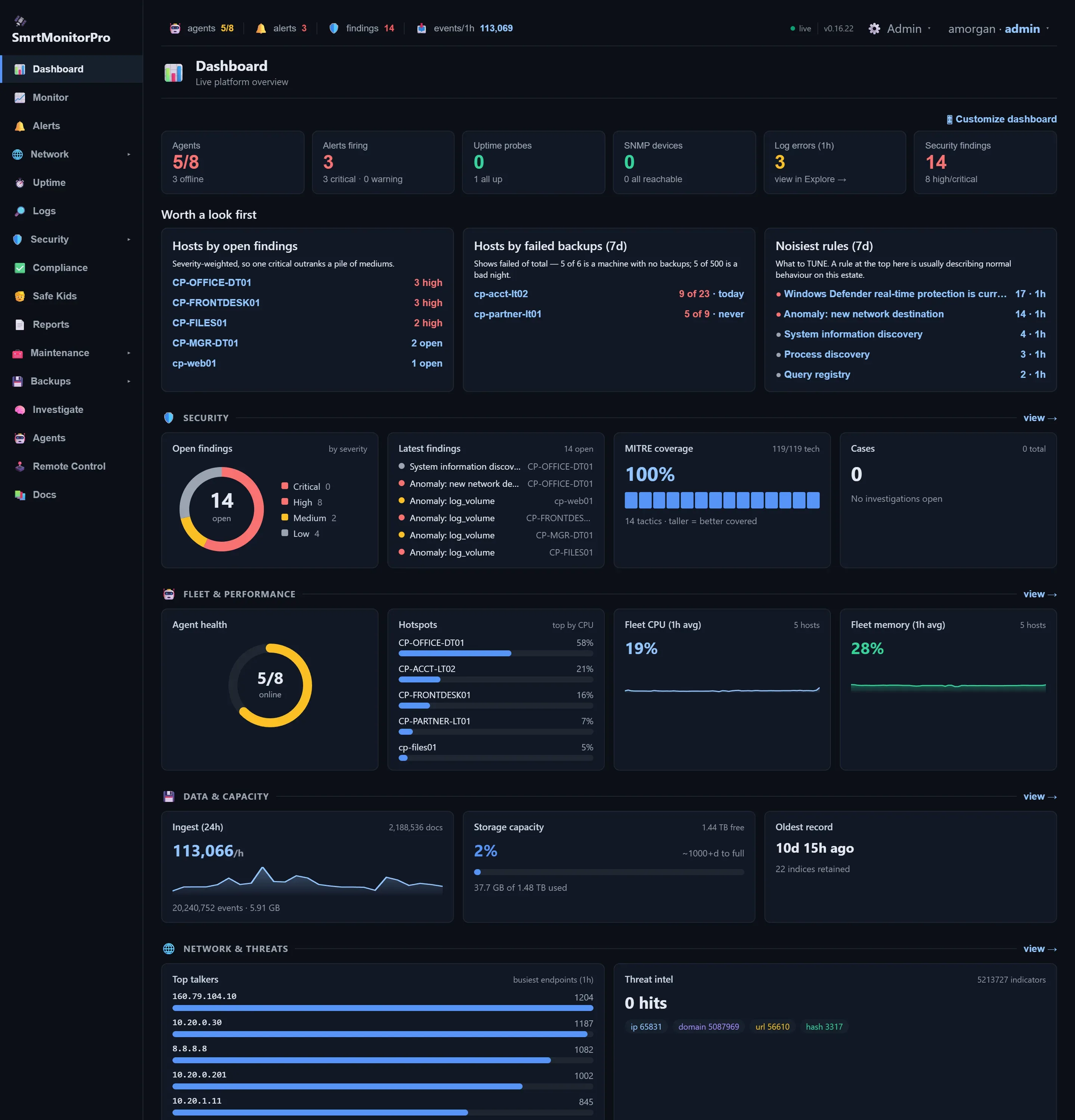
Light or dark
Every screen comes in both themes. Pick yours in your profile.